In the dynamic world of web design and development, creativity plays a pivotal role in delivering engaging online experiences. One of the most effective tools for harnessing creative energy is the mood board. This article explores how using mood boards in WordPress can help streamline your creative processes, enhance collaboration, and ultimately lead to more stunning websites.
What is a Mood Board?
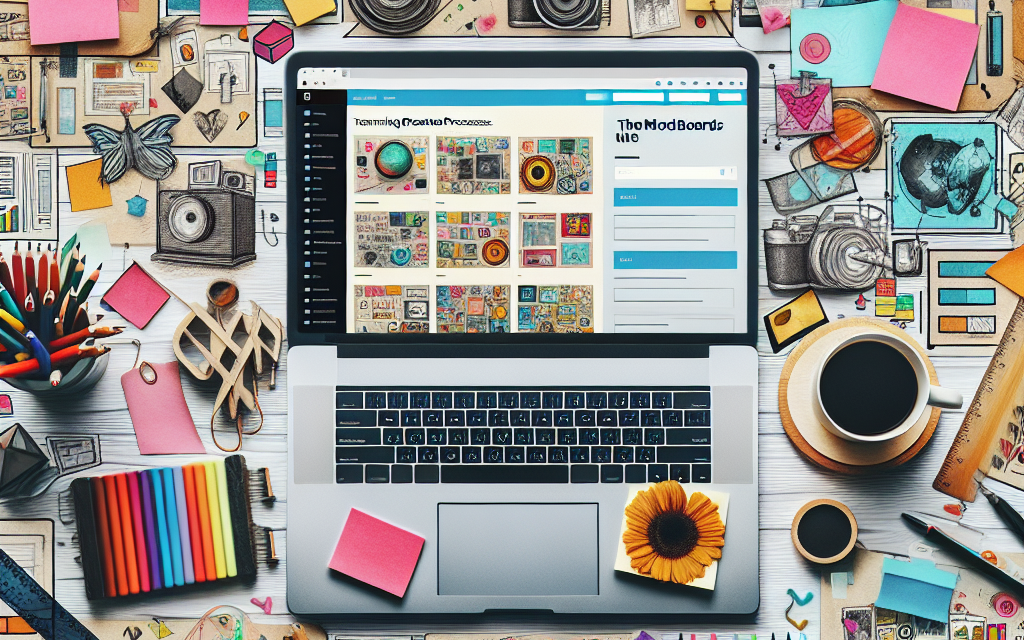
A mood board is a visual representation of ideas, concepts, and inspirations compiled into a single canvas. It can include images, color palettes, textures, fonts, and other design elements that convey the feel of a project. Mood boards are essential for setting the tone and direction of creative projects, making them invaluable for designers, marketers, and content creators alike.
The Importance of Mood Boards in Web Design
-
Clarifying Vision: Mood boards allow designers to articulate their vision for a project visually. This helps in solidifying concepts and guiding the design process.
-
Facilitating Collaboration: When working in teams, mood boards serve as a reference point that aligns everyone’s vision. This reduces miscommunication and ensures that all team members are on the same page.
-
Inspiring Creativity: Creating a mood board can ignite inspiration and spark new ideas. It encourages experimentation with colors, styles, and layouts, leading to unique and innovative designs.
-
Enhancing Client Communication: For freelancers and agencies, mood boards can help communicate design ideas to clients. Instead of trying to explain concepts verbally, sharing a mood board can visually convey the intended direction.
Using Mood Boards in WordPress
Integrating mood boards into your WordPress workflow can enhance both the creative process and project management. Here’s how you can effectively use mood boards in WordPress:
1. Create Digital Mood Boards
There are several online tools and plugins that can help you create mood boards directly within your WordPress site. Some popular options include:
- Canva: A versatile graphic design tool that allows you to create mood boards with ease. You can share your designs with your team and clients directly through links.
- Miro: A collaborative whiteboard platform that allows for real-time mood board creation and brainstorming sessions.
- Moodboard Plugin: This dedicated WordPress plugin provides a simple interface for creating mood boards that can be integrated into your projects.
2. Incorporate Visual Elements
Once you’ve created your mood board, you can easily incorporate the visual elements into your WordPress designs. Use theme customization options to apply color schemes or typography inspired by your mood board.
3. Reference the Official WordPress Documentation
For a seamless experience, it’s helpful to refer to the official WordPress documentation for guidance on theme customization, plugin installations, and best practices in design.
4. Seek Feedback
Gather insights from your team or clients by sharing your mood board. Utilize feedback to refine the design and ensure alignment with project goals.
Conclusion
Transforming your creative process through the use of mood boards can result in compelling and cohesive web designs that resonate with your audience. By clearly communicating your vision and collaborating effectively, you can elevate the quality of your projects.
Ready to take your WordPress experience to the next level? Discover how WafaTech’s NextGen WordPress Hosting can empower your creative journey. With unmatched performance, secure hosting, and tailored solutions, WafaTech is your partner in building stunning websites. For more details, visit WafaTech WordPress Hosting today!
By embracing mood boards, you’ll transform not just your creative process but also the final product—ensuring it captivates and engages visitors like never before.