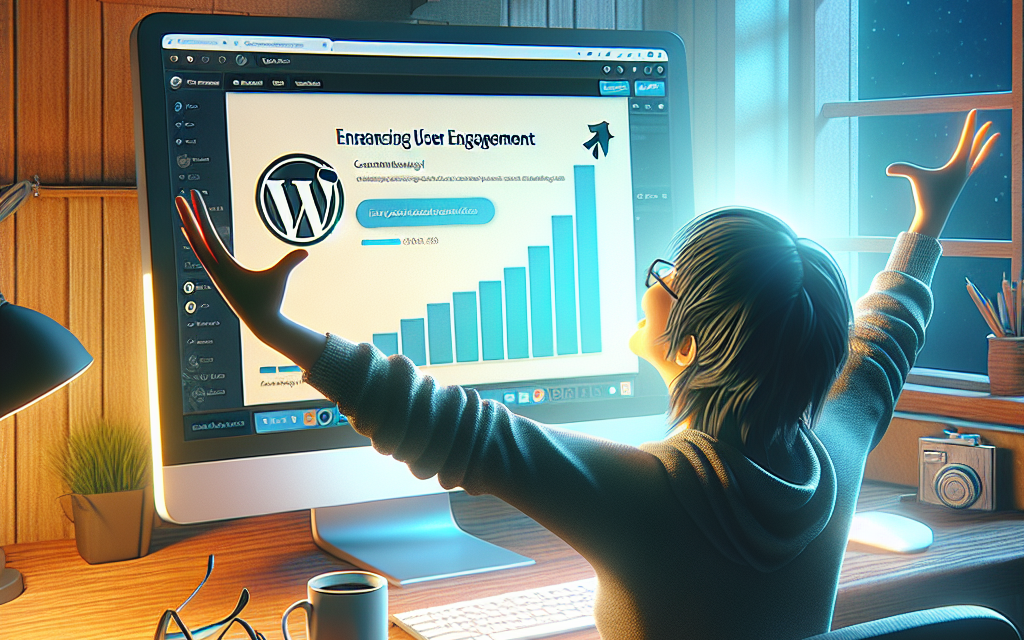
In today’s digital landscape, user engagement is more important than ever. If you’re a WordPress site owner, creating an interactive experience can significantly boost user retention and satisfaction. One effective method to achieve this is by implementing progress bars that track content completion. This feature not only captivates users but also encourages them to consume more of your content.
What are Progress Bars?
Progress bars are visual indicators that display the completion status of a task—in this case, consuming content. For instance, when a reader visits a multi-part article or an educational series, a progress bar can show how much of the content they have completed and how much remains. This not only motivates users to finish what they started but also gives them a clear roadmap of where they are in their reading journey.
Why Use Progress Bars?
1. Increased Engagement
Progress bars inspire users to stay longer on your site. They provide a sense of accomplishment as users see their progress, encouraging them to read more and explore additional content.
2. Enhanced Clarity
By visually representing how much content has been consumed and how much is left, progress bars simplify navigation, making it easier for readers to digest lengthy articles.
3. Reduced Bounce Rates
When users are aware of how much they’ve read and what’s left, they’re less likely to abandon the page halfway through. Progress bars can ultimately lead to lower bounce rates and higher user retention.
How to Implement Progress Bars in WordPress
There are several methods to incorporate progress bars into your WordPress site:
1. Using Plugins
One of the easiest ways to add progress bars to your WordPress site is through plugins. Here are a few effective options:
-
WP Progress Bar
This plugin is user-friendly and allows you to create responsive progress bars that can be customized according to your needs. Learn More. -
Progress Bar Block for Gutenberg
This block plugin is designed specifically for use with the Gutenberg editor and allows you to add stylish progress bars easily within your posts. Discover More.
2. Custom Coding
If you’re comfortable with code, you can also implement a progress bar manually using HTML, CSS, and JavaScript. Here’s a simple example:
This code creates a simple progress bar that shows 70% completion. You can modify the percentage based on user interactions.
3. Theme Options
Some premium WordPress themes come with built-in options for progress bars. Always check your theme’s documentation to see if this feature is available.
Conclusion
Incorporating progress bars for content completion is a simple yet effective way to enhance user engagement on your WordPress site. By enabling readers to track their progress, you’ll significantly improve user experience and encourage them to consume more content.
Ready to take your WordPress site to the next level? Explore WafaTech NextGen WordPress hosting for high-speed performance and advanced features tailored for better engagement. For more details, visit WafaTech WordPress Hosting.
Useful Links:
Empower your users and enhance engagement today!