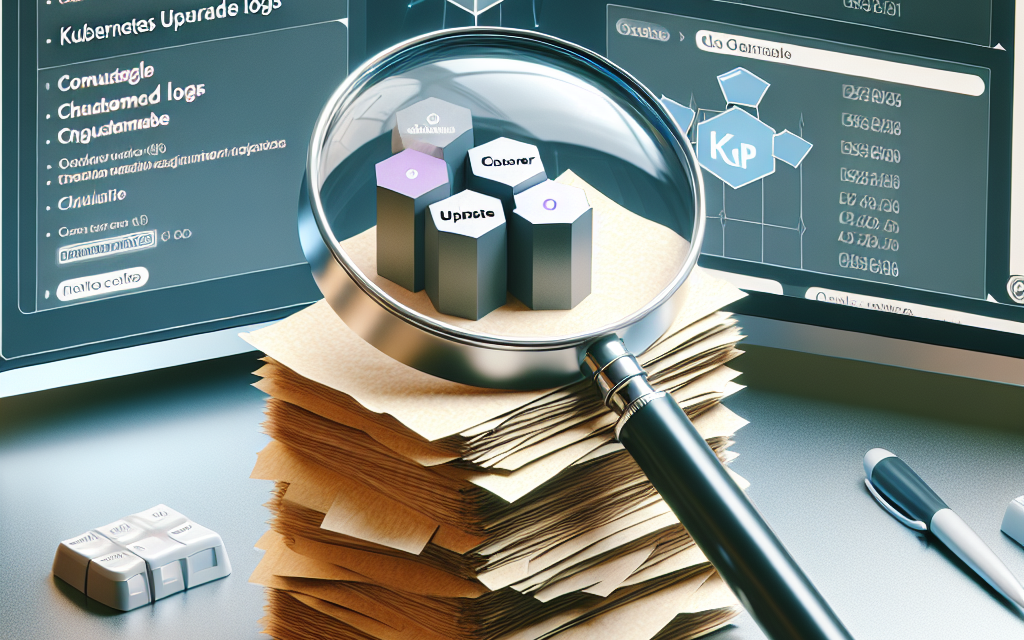
Kubernetes has emerged as a dominant platform for orchestrating containerized applications, largely due to its flexibility, scalability, and active community. As organizations evolve, so do their Kubernetes clusters. Regular upgrades are essential for taking advantage of new features, improvements, and security patches. However, navigating the upgrade process can be daunting, especially when it comes to logging and analyzing upgrade logs. This article aims to shed light on the best practices for analyzing Kubernetes upgrade logs to ensure a smooth upgrade experience.
Importance of Kubernetes Upgrade Logs
Kubernetes upgrade logs serve as a critical resource for diagnosing issues, ensuring smooth transitions, and maintaining cluster health. They provide insights into:
- Upgrade Process: Understanding what happened during the upgrade, including successes and failures.
- Error Diagnosis: Pinpointing issues related to configuration, dependencies, or compatibility before, during, and after upgrades.
- Performance Analysis: Assessing how an upgrade affects application performance and cluster resource utilization.
- Audit Trails: Maintaining a record of changes for compliance and traceability.
Best Practices for Analyzing Upgrade Logs
1. Set Up a Consistent Logging Framework
Before diving into upgrades, implement a centralized logging solution. Tools like Fluentd, Elasticsearch, and Kibana (the EFK stack) can help aggregate logs from various sources. This approach not only simplifies log retrieval but also allows for advanced querying and visualization.
2. Understand Key Log Components
Familiarize yourself with the inherent structure of the Kubernetes upgrade logs. Key components often include:
- Timestamps: Indicating when specific actions occurred.
- Log Levels: Differentiating between informational, warning, and error messages.
- Components: Identifying which Kubernetes component (like kube-apiserver, kube-controller-manager, etc.) generated the log.
3. Prioritize Log Analysis Pre-Upgrade
Before starting your upgrade, gather logs from the current state of your cluster. This provides a reference point, allowing you to compare the pre- and post-upgrade states. Pay particular attention to any warnings or errors that could affect the upgrade process or the new version’s compatibility.
4. Utilize Structured Logging
Consider implementing structured logging, which formats logs in a structured manner (like JSON). This makes it easier to query logs for specific fields or values, especially during upgrades. Structured logs can significantly speed up the analysis process.
5. Set Alerts for Upgrade Failures
Configuring alerts for specific log patterns can help you respond to issues in real-time. For instance, if the logs indicate a failure in a critical service during the upgrade, you can take immediate action to resolve it instead of waiting for a post-upgrade review.
6. Leverage Command-line Tools
Kubernetes provides a variety of command-line tools to facilitate log analysis. Commands like kubectl logs, kubectl describe, and kubectl get events can be invaluable when investigating issues.
7. Conduct Post-Upgrade Reviews
Once the upgrade is complete, analyze the logs thoroughly. Identify any errors or warnings that were generated during the upgrade. Assess how the new version interacts with your applications, and document any discrepancies you observe.
8. Establish a Feedback Loop
Create a feedback mechanism where the learnings from each upgrade are documented and reviewed by your team. This documentation can help inform future upgrades and generate a repository of knowledge about specific version iterations and their upgrade paths.
9. Document Best Practices
Maintain a centralized document with the best practices, lessons learned, and common pitfalls encountered during previous upgrades. This resource can serve as a guide for teams, streamlining future upgrades and minimizing the risk of similar issues arising again.
10. Engage with the Community
Kubernetes has a vibrant and expansive community. Participating in forums, attending meetups, and engaging on platforms like Stack Overflow can provide insights into common challenges and community-approved solutions during upgrade processes.
Conclusion
Upgrading Kubernetes is essential for maintaining a secure and performant cluster. However, effectively analyzing upgrade logs is crucial for a successful upgrade process. By following these best practices, organizations can reduce the risks associated with upgrades, gain valuable insights into their Kubernetes environments, and ensure smoother transitions for their applications. At WafaTech, we believe that investing in robust logging and analysis mechanisms is an indispensable aspect of any modern cloud-native strategy. Happy upgrading!