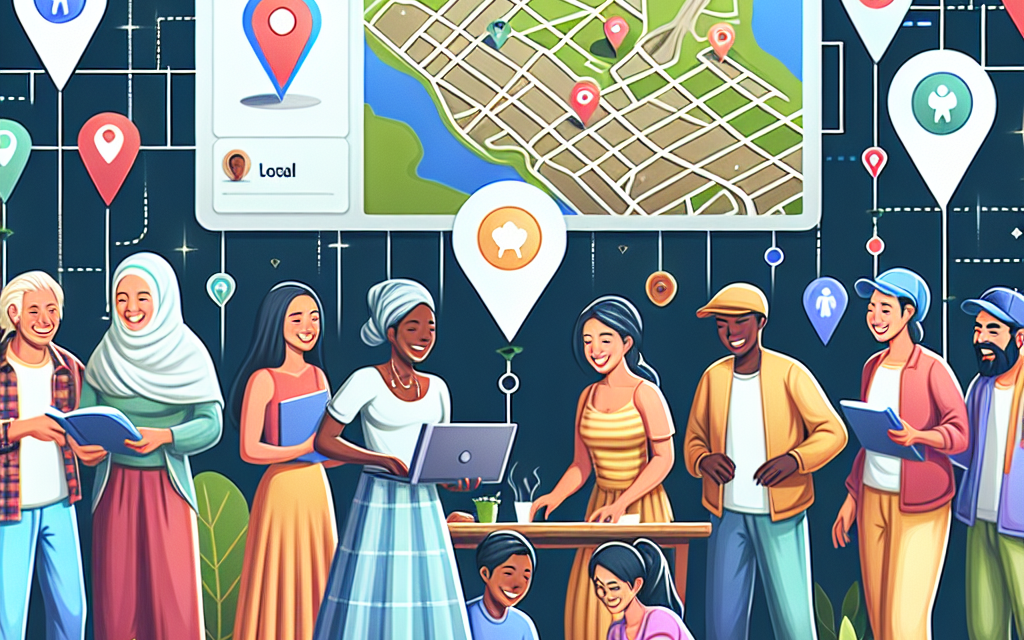
In today’s rapidly digitizing world, fostering community connections is more crucial than ever. One effective way to achieve this is by creating a local events directory that utilizes geolocation technology. This not only enhances user experience but also allows communities to come together, share experiences, and discover local happenings. In this article, we will explore the steps to build a local events directory using WordPress, with an emphasis on how WafaTech can empower your journey.
Why Create a Local Events Directory?
Establishing a local events directory helps communities:
- Discover Opportunities: From festivals to workshops, residents can easily find events that interest them.
- Engage with Local Businesses: Promote local businesses and artisans by featuring their events.
- Foster Community Interaction: Encourage residents to connect and participate in local activities.
Getting Started with WordPress
WordPress is an outstanding platform for building a local events directory. Here’s how you can create one:
Step 1: Choose the Right Hosting Plan
Choosing the right hosting plan is critical for your website’s performance. At WafaTech, we offer robust hosting solutions tailored for WordPress that guarantee speed, reliability, and security. Discover our WordPress hosting plans here.
Step 2: Select a Suitable Theme
Choosing the right WordPress theme will make your events directory visually appealing. Themes such as Eventum or Eventica are designed specifically for online event directories. You can search for themes in the WordPress Theme Directory.
Step 3: Install the Necessary Plugins
To efficiently manage your events directory, consider the following plugins:
-
The Events Calendar: This plugin helps you create and manage events easily. It supports recurring events, categories, and tags.
- Documentation: The Events Calendar Plugin
-
GeoDirectory: Allows you to create a comprehensive directory with geolocation capabilities.
- Documentation: GeoDirectory Plugin
-
WPForms: This plugin will enable users to submit their events directly through an easy-to-use form.
- Documentation: WPForms
Step 4: Geolocation Integration
To add geolocation functionality, you can use APIs like Google Maps or integrate it with GeoDirectory. This feature will allow users to search for events based on their location.
Step 5: Add Event Listings
Encourage local businesses and organizations to list their events on your directory. You can create a “Submit an Event” page using WPForms to streamline this process.
Step 6: Engage Your Community
Promote your local events directory through social media, community boards, or even through partnerships with local businesses. Engagement is key; encourage users to leave reviews and share events with their friends.
Conclusion
Creating a local events directory with geolocation on WordPress is an excellent way to enhance community connections. By simplifying the discovery of local happenings, fostering local engagement, and supporting businesses, your directory can become a vital resource for your community.
If you’re ready to build your local events directory, WafaTech is here to help with reliable WordPress hosting and expert support. For more details on our hosting plans and how we can assist your project, check out WafaTech NextGen WordPress.
Call to Action
Start making a difference in your community today! Explore WafaTech’s NextGen WordPress solutions and watch your local events directory flourish.
For more information on WordPress tools to enhance your site, visit the WordPress Plugin Directory and the official WordPress Documentation.
Unlock the potential of your community through connectivity!