Creating an intuitive user dashboard in WordPress is crucial for enhancing user experience, especially for blogs like WafaTech that thrive on user engagement and easy navigation. A well-designed dashboard not only looks appealing but also serves its purpose effectively, helping users access the information they need quickly and effortlessly. In this article, we’ll explore best practices for designing user dashboards in WordPress, ensuring your blog stands out in terms of usability and recognition.
Understanding Your Audience
Before diving into design, it’s imperative to comprehend your audience’s needs. Conduct surveys or utilize tools like Google Analytics to understand user behavior. Knowing your audience helps in tailoring the dashboard layout, navigation, and accessibility features.
Clear Navigation Structure
A clear navigation structure is the backbone of any effective dashboard. Users should be able to find what they need without confusion.
- Use a logical hierarchy: Group related items under appropriate headings.
- Employ breadcrumbs: This allows users to backtrack easily and serves as a guide to where they are within the site.
Consider using the WP Menu Plugin, which offers enhanced customization options for navigation menus.
Customizing the Admin Interface
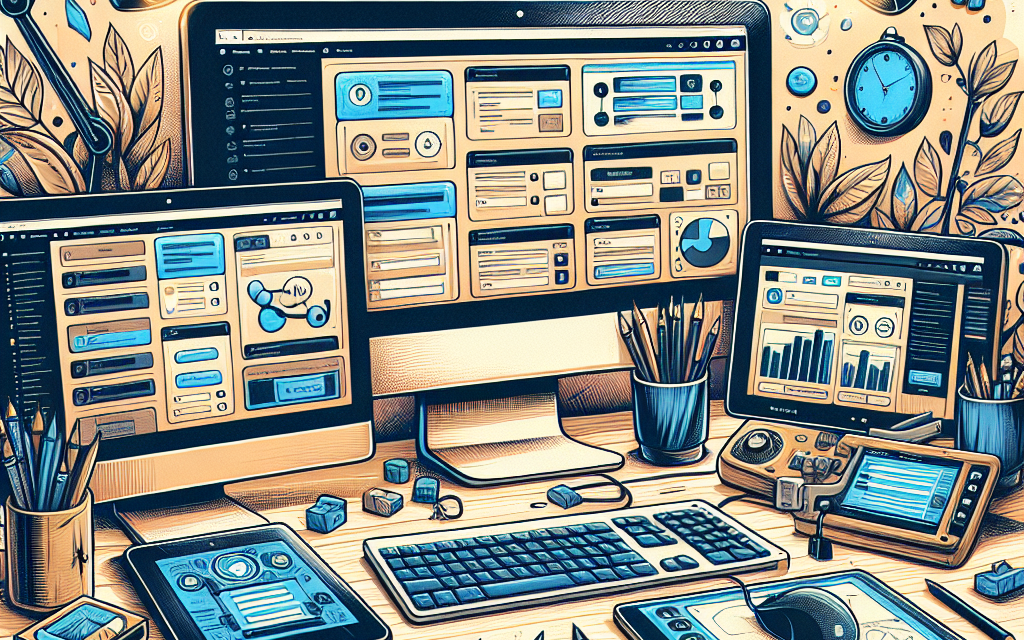
The default WordPress dashboard can be overwhelming with its array of features. Customize it for a more user-friendly experience:
- Remove unnecessary widgets: Only keep essential widgets on the dashboard.
- Add custom widgets: Incorporate user-oriented information such as recent posts, comments, or user statistics.
Tools like Ultimate Dashboard can help in customizing the admin interface effectively.
Responsive Design
In today’s mobile-centric world, ensuring that your dashboard is responsive is non-negotiable. Leveraging responsive design ensures that your dashboard is functional on desktops, tablets, and mobile devices.
Utilize responsive themes like Astra or OceanWP that adjust seamlessly to different screen sizes, offering a consistent user experience across all devices.
Visual Hierarchy and Aesthetics
The visual appeal of your dashboard can significantly impact user satisfaction.
- Employ a consistent color palette: Stick to colors that represent your brand.
- Use fonts strategically: Ensure readability and maintain a consistent typography style.
- Incorporate visuals: Use icons and images to break up text-heavy areas and guide users visually.
You might consider utilizing Elementor for drag-and-drop customization, allowing a more visually rich interface without extensive coding knowledge.
User Accessibility
Ensure that your dashboard is accessible to all users, including those with disabilities:
- Provide text alternatives for images: Use ‘alt’ text for visuals.
- Implement keyboard navigability: Ensure all functionalities are accessible via keyboard shortcuts.
- Choose a suitable contrast ratio: Make certain that the text is legible against background colors.
Refer to the WordPress Accessibility Handbook for comprehensive guidelines on creating accessible content.
Integrating Useful Plugins
Plugins enhance functionality without compromising user experience. Here are some essential plugins to consider for your dashboard:
- Yoast SEO: To help users optimize their content for search engines.
- Jetpack: For performance enhancements, including site statistics and downtime monitoring.
- WooCommerce: If you’re planning to sell products or services, this plugin simplifies the eCommerce experience.
For a detailed list of WordPress plugins, visit the WordPress Plugin Repository.
Regular Updates and User Feedback
Lastly, it’s essential to keep the user dashboard updated based on user feedback. Regularly solicit user opinions and make adjustments as required. Tools like SurveyMonkey or even integrated WordPress feedback plugins can facilitate easy feedback collection.
Conclusion
Designing an intuitive user dashboard for your WordPress blog is paramount for enhancing user experience and engagement. By focusing on clear navigation, customizations, responsive design, aesthetics, accessibility, and the integration of useful plugins, you can create a dashboard that meets the needs of your users effectively.
At WafaTech, we specialize in providing next-generation WordPress solutions that elevate your online presence. Discover seamless WordPress hosting tailored to your needs by visiting WafaTech NextGen WordPress Hosting. Let us help you create a user-friendly website that keeps your audience engaged and coming back for more!
This article provides a guide tailored specifically for the WafaTech audience, emphasizing practical tools and tips while inviting readers to explore further hosting solutions.