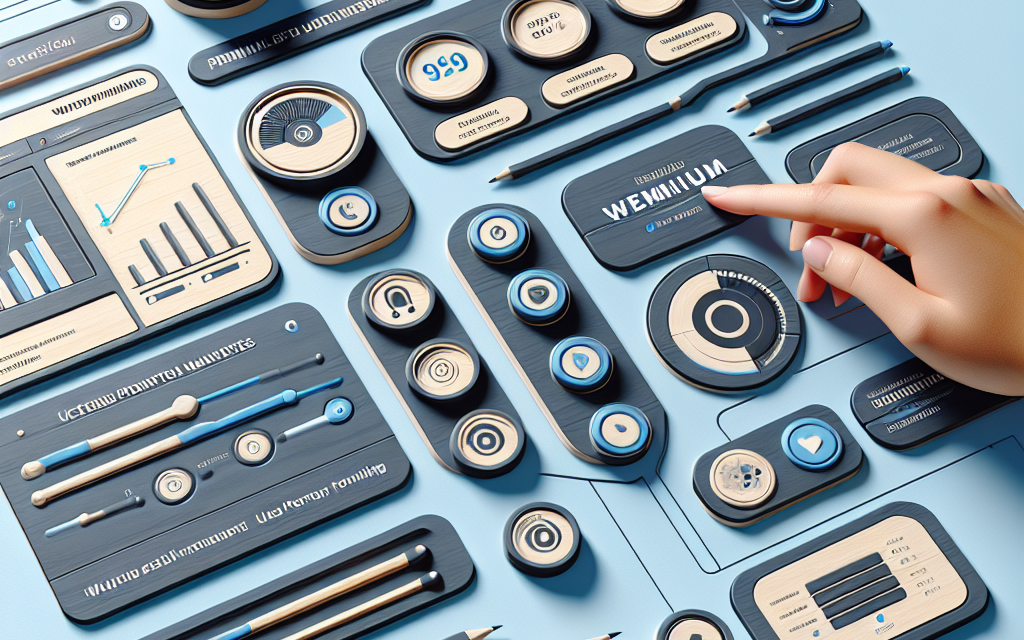
Creating an engaging user dashboard for your premium members is essential for enhancing user experience and boosting membership retention. A well-designed dashboard not only serves as a control panel for your users but also reflects the quality of your brand and the value you provide. In this article, we will explore the key elements of designing an effective user dashboard on WordPress that captivates your premium members.
Understanding User Needs
The first step in designing an engaging dashboard is understanding what your users need. Conduct surveys or interviews to gather feedback on what features they value the most. Are they looking for easy access to their account details, quick links to premium content, or a community forum? Customizing your dashboard based on user preferences greatly enhances engagement.
Essential Elements of a Premium Member Dashboard
-
Personalized Welcome Message
Start with a warm, personalized welcome message that makes users feel valued. This could include their name and a brief overview of new content or features available.
-
Account Overview
Display an account summary that includes subscription status, renewal dates, and a summary of downloaded or accessed content. Plugins like Ultimate Member can help create a user-friendly account overview.
-
Quick Links to Premium Content
Make premium content easily accessible with quick links or buttons. Consider using a grid layout for visual appeal. If your content is extensive, employ a filter or categorization system to help users find what they’re interested in quickly.
-
Content Recommendations
Use algorithms to recommend related or popular content based on user preferences and behavior. Plugins like WP User Activity can track user actions and suggest content accordingly.
-
Notifications and Updates
Keep your users informed with a notifications panel that shows updates, messages from admins, and new features. This can keep users engaged and likely to return.
-
Community Features
If your platform includes forums or social interactions, integrate these features into the dashboard. This can foster a sense of community among premium members. The BuddyPress plugin is an excellent tool for this purpose.
-
Analytics and Insights
Provide users with insightful analytics regarding their engagement with your offerings. For example, show how many articles they’ve read, courses completed, or achievements unlocked.
-
Customer Support Access
Integrate a support system within the dashboard. Whether through a chat widget or a support ticket system, users should have easy access to assistance whenever they need it.
Design Considerations
-
Clean Layout: A clutter-free layout makes the dashboard more user-friendly. Utilize whitespace effectively and ensure that the most critical elements are easily accessible.
-
Responsive Design: Ensure that your dashboard is responsive and user-friendly on both desktop and mobile devices.
-
Consistent Branding: Incorporate your brand colors, fonts, and logos into the dashboard design to maintain brand consistency across your WordPress site.
Testing and Feedback
After implementing the dashboard, it’s crucial to test it with real users. Gather feedback regularly and make necessary adjustments based on their experiences. User testing helps in identifying any friction points and improving overall usability.
Conclusion
An engaging user dashboard is pivotal for the success of your premium membership site. By understanding your users’ needs and incorporating essential features, you can create a dashboard that not only informs but also delights.
Ready to elevate your WordPress site with powerful hosting solutions? Check out WafaTech NextGen WordPress for more details on how we can help you provide an exceptional experience for your premium members. Learn more here.
For additional tools and resources, explore the WordPress Plugin Directory and WordPress Documentation.
Happy Designing!