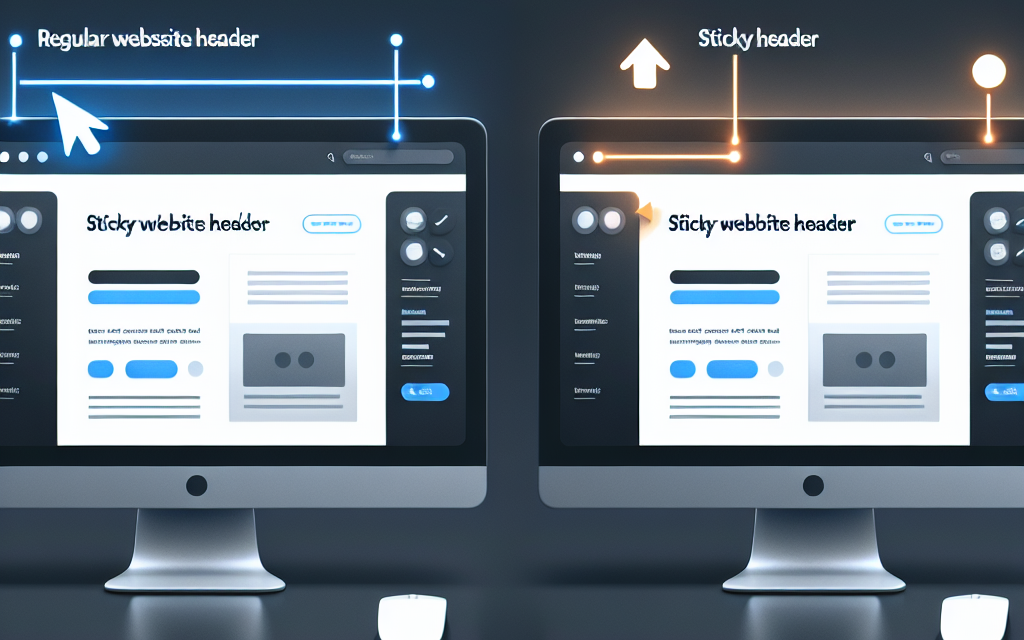
In the fast-paced digital landscape, user experience (UX) has become a focal point for website design. One effective way to elevate UX on your website is through the implementation of sticky headers. But what exactly are sticky headers, and how can they enhance your site’s usability? In this blog post, we’ll explore the benefits of sticky headers and how they can contribute to a seamless user experience.
What are Sticky Headers?
Sticky headers are elements that remain fixed at the top of the page as users scroll down. This feature ensures that key navigation tools and branding elements are always accessible, regardless of where the user is on the page. This not only simplifies navigation but also promotes increased engagement with your site.
Benefits of Sticky Headers
1. Improved Navigation
One of the biggest advantages of sticky headers is the enhancement of navigation. Users can easily access menu items without having to scroll back to the top of the page. By keeping important links visible, users can navigate your site with efficiency and ease, leading to improved engagement.
2. Brand Visibility
Sticky headers reinforce brand identity by keeping your logo and site name in sight. This constant visibility strengthens brand recall and contributes to a cohesive user experience. Users will recognize your brand easily, which is essential for fostering loyalty.
3. Increased Engagement
With essential links and content constantly available, users are more likely to explore additional pages on your site. Sticky headers can encourage actions such as clicking on product categories, signing up for newsletters, or accessing contact information—all contributing to better conversion rates.
4. Enhanced Aesthetics
Sticky headers can also improve the overall design of your website. A professionally designed sticky header can add a modern touch to your site’s layout, making it more visually appealing. With responsive design, you can ensure that the header looks good on all devices, providing a consistent experience.
5. Mobile-Friendliness
In an age where a significant portion of web traffic comes from mobile devices, sticky headers offer a practical solution for mobile navigation. With limited screen space, keeping navigation options always accessible allows users to easily explore your site without unnecessary scrolling.
How to Implement Sticky Headers in WordPress
Implementing sticky headers in WordPress is straightforward, thanks to various themes and plugins available. For instance, you can use popular plugins like Sticky Menu (or Anything!) on Scroll, which allows you to create sticky headers with ease. Alternatively, many modern themes come with built-in sticky header options—check your theme’s documentation for guidance!
To learn more about these tools, you can visit the WordPress Plugin Repository.
Conclusion
Incorporating sticky headers can significantly enhance the user experience on your website. From improved navigation to increased engagement, the benefits are substantial. If you’re looking to implement sticky headers or optimize your website further, consider using WafaTech NextGen WordPress hosting for optimal performance and support.
Call to Action
Are you ready to take your website to the next level? Explore WafaTech NextGen WordPress hosting for robust solutions tailored to enhance your site’s performance. Discover the difference with our premium services today!
For further learning, keep checking out our blog for more insights into optimizing your web presence. If you have any questions or need assistance, feel free to reach out!