As content creators, bloggers, and marketers know all too well, maintaining an organized content calendar is crucial for driving engagement and ensuring a consistent flow of quality posts. Without a solid plan, it’s easy to feel overwhelmed, miss deadlines and lose track of ideas. Fortunately, WordPress offers a variety of editorial plugins that can help you streamline your content calendar and take your blogging to the next level. In this article, we’ll explore some top tools available and how they can enhance your workflow.
Why Use an Editorial Plugin?
Editorial plugins for WordPress are designed to help you manage your content efficiently. They assist in scheduling posts, organizing editorial drafts, collaborating with team members, and much more. By integrating these tools into your workflow, you can focus more on creating engaging content and less on the logistics of publishing.
1. Editorial Calendar
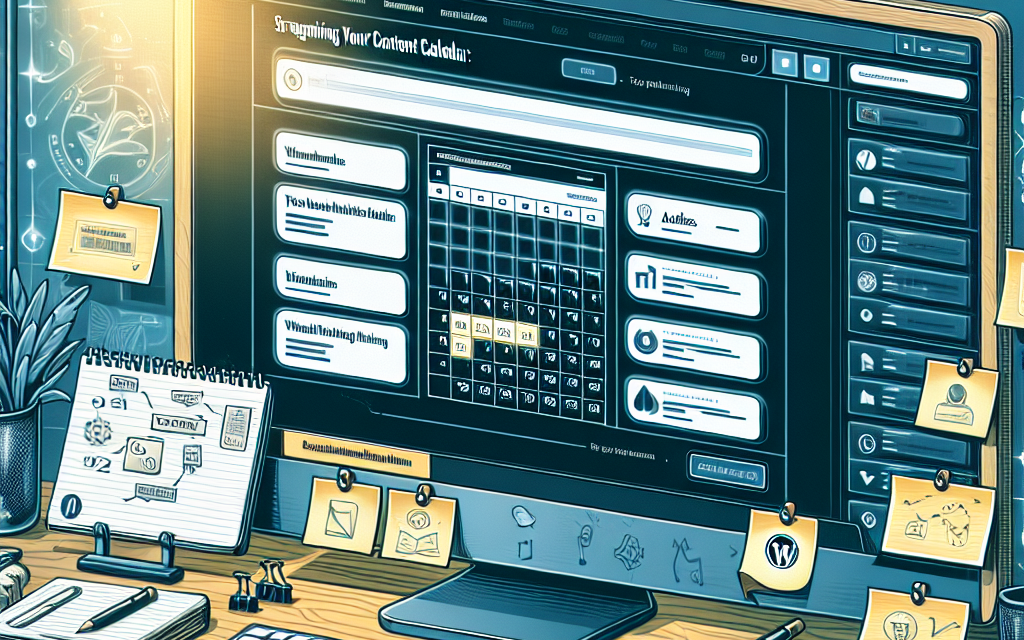
One of the most popular options for visualizing your content calendar is the Editorial Calendar plugin. This tool allows you to see all your posts at a glance, drag and drop to change publish dates, and even edit posts directly from the calendar interface. This user-friendly layout simplifies the planning process and can help you visualize your publishing schedule.
2. CoSchedule
For those looking for a more comprehensive solution, CoSchedule is a powerhouse in content marketing. This plugin integrates seamlessly with your WordPress site, allowing you to manage your entire marketing calendar in one place. CoSchedule offers features like social media automation, task management for team collaboration, and analytics for tracking performance. While it’s a premium tool, many find the investment pays off quickly.
3. PublishPress
PublishPress is perfect for teams working collaboratively on content. This plugin enhances the standard WordPress publishing process, allowing you to manage editorial workflows easily. It offers customizable status labels, notifications to team members, content suggestions, and calendar views, making it an excellent option for larger teams.
4. Wrike
Another effective tool for managing editorial calendars is Wrike. While not solely a WordPress plugin, Wrike integrates with your WordPress website and acts as an advanced project management tool. You can create tasks, set deadlines, and even manage resources, all while keeping everything tied to your WordPress site.
5. Trello
Integrating Trello with WordPress through various plugins can streamline your content planning process significantly. This visual project management tool is fantastic for workflow organization and can be adapted to fit any editorial strategy. You can create boards for different content types, statuses, and even assign tasks to team members.
6. My Calendar
My Calendar is a more straightforward plugin that allows for the creation of events and schedules directly integrated into your WordPress site. It offers an excellent way to display upcoming blog posts or events, making it easier for your audience to stay informed.
Conclusion
Streamlining your content calendar is essential for any successful WordPress blog. The right editorial plugins can enhance your workflow, making it easier to manage your content creation process while maximizing your time. Whether you’re a solo blogger or part of a larger team, these tools can help you stay organized and focused on delivering valuable content to your readers.
Ready to take your WordPress experience to the next level? Check out WafaTech NextGen WordPress Hosting for tailor-made solutions that fit your needs. For more details, visit WafaTech WordPress Hosting.
Start streamlining your content calendar today and watch your engagement soar!
For additional resources on WordPress plugins and guidelines, visit the official WordPress documentation.